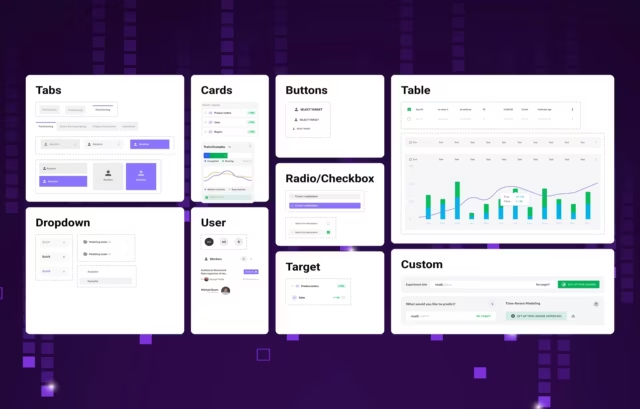
When it comes to AI in UI design, there are several important considerations and approaches that are transforming the field. We have found that when designing an AI workflow user interface the most effective are those that are integrated into existing design workflows rather than replacing them entirely. The type of design that seem made for AI are those that focus on rapid prototyping, generating variations, and automating repetitive tasks
A Critical Foundation Needed
To create a useful digital workflow improvement with UX/UI design every designer needs to begin with an expert-level discovery and research phase, which then forms the critical foundation of any successful workflow improvement project. Total immersion in your users' environment and closely observing their day-to-day interactions is just the beginning.










Types of AI Interfaces for Workflow Automation

The design for a map management tool must prioritize intuitive data visualization alongside powerful AI capabilities, while also balancing automated features with manual control and a workflow management UI in general. The interface should provide clear feedback on AI processes, such as during analyzation of geographic data or suggesting optimizations, while maintaining familiar mapping conventions that users already understand. Key components include a robust search functionality enhanced by AI for contextual understanding of location queries, intelligent layer management that can automatically organize and categorize map elements, and predictive tools that can suggest relevant data overlays based on user behavior and project context.

In our opinion the core foundation for creating a successful AI mind mapping tool begins with creating a flexible visualization system that can adapt as the AI and user collaboratively build the mind map. This requires both an intuitive canvas interface and intelligent space management algorithms that can automatically reorganize nodes and connections as the map grows. The AI system should be able to analyze input text or voice and suggest relevant branches, relationships, and hierarchies while allowing users to easily accept, modify, or reject these suggestions.

AI workflow tools, such as chat assistants, are transforming UI/UX design by enabling rapid prototyping, automated task completion, and intelligent assistance while still requiring human oversight for context-specific needs and complex interactions. Successful digital workflow improvements start with thorough user research and observation, followed by careful analysis of pain points and opportunities, leading to iterative design solutions that reduce cognitive load and streamline processes. When designing AI interfaces for specialized tools like map management or mind mapping, the system needs to balance automated features with manual control, provide clear feedback on AI processes, and incorporate intelligent organization capabilities while maintaining familiar user conventions.

The key to success in creating a canvas approach to an AI workflow lies in designing an intuitive spatial interface that balances AI automation with user control. The canvas should serve as a flexible workspace where AI suggestions appear seamlessly alongside user-created content, with clear visual distinctions between AI-generated and user-generated elements. Critical elements include fluid drag-and-drop interactions, intelligent space management that automatically adjusts as content grows, and contextual AI suggestions that respond to user actions and spatial relationships on the canvas.

There is long list of critical features needed when designing an intuitive table interface for AI workflow management. Some of the key features are intelligent data processing, user control and feedback, and performance optimization to name just a few. All our UX/UI work needs to be centered around designing an intelligent system that enhances standard table functionality while maintaining intuitive user control. Additionally, any effective interface needs to include smart caching of all of the AI suggestions produced to build on the interactions with the user throughout each session.
Workflow AI structure

AI Workflow UI Examples
The process for integrating a workflow design UI that actually achieves user’s goals relies heavily on a flexible approach that incorporates existing workflows rather than attempting to replace them with something completely new. See our examples below:
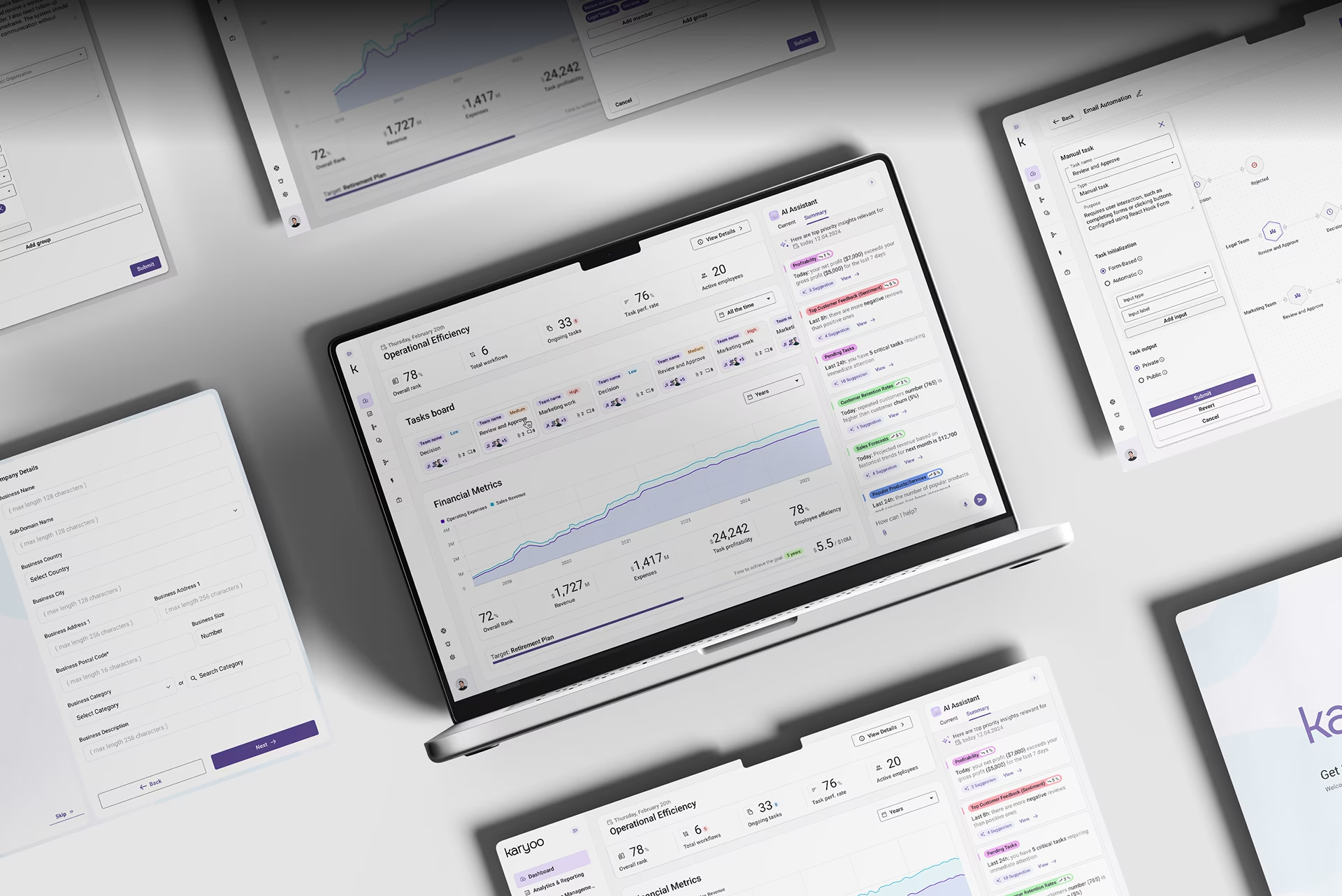
Karyoo - Assistant base project to create Ai workflows
There may be no area where AI is already having a greater impact than in the operational efficiency sector. Karyoo can quickly become your best assistant you’ve ever hired, and dashboard UI offers a simple design for every type of user, while also immediately providing financial and operational insights.

System00- Create tasks and missions for internal tools
This platform places all your software tools in one place, allowing you conduct simple tasks with almost no effort at all.

DMF - Automation builder
Engineering and construction projects can quickly spin out of control, our AI data workflow for DMF gives site managers piece of mind.

DHCS - Visual builder
A robust custom dashboard and data visualization builder to help California’s healthcare community understand the population they serve.

EHR applet for major artery scanning
Sometimes healthcare providers struggle to explain certain types of data to patients, this why designing custom AI workflows is a game changer.
Related Services and Solutions


Key Aspects of AI Workflow Management:
Managing an AI workflow is as much about staying out of the way and letting the technology do its thing, as it is about picking the appropriate junctions for human involvement and decision making. We understand, this is easier said than done, but when you get it right, it can have an exponential impact on workflow efficiency.

Data Handling
All AI workflow design and development needs to first have a strategic approach to managing data pipelines, preprocessing data in a myriad of ways to deliver on the promise of the application, and consequently ensure consistent high-quality inputs for all AI models.

Model Integration
Incorporating AI models into workflows, such as predictive analytics, or the enormously popular natural language processing (NLP) functionality, or computer vision requires a genuine understanding and research as to how to best utilize these features while maintaining a ultra usable model.

Automation
Whether it’s creating a seminal AI-based workflow, or incorporating NLP in your workflow, the key to good management to remembering that at the end of the day we are always looking to reduce the need for manual decision making and/or actions.

Human-in-the-Loop (HITL)
Building AI workflow platforms is a kind of balancing act for UX/UI design and development teams. You need to balance the need or make the space to allow for human oversight and intervention where needed without sacrificing the usability of automation where appropriate.

Monitoring & Optimization
Digital designers love to talk about the importance of human-centered design. For the world of AI management and design, developers need to leave room for constant tracking of AI performance, retraining models, and fine-tuning processes.

Scalability
We know that the world of AI workflow design is still in its infancy, which means growth and expansion will continue to push design teams to evolve their thinking. All workflows need to ensure designed workflows can handle growing data needs and evolving model complexity.

Compliance & Security
With any system that utilizes enormous datasets, especially those utilizing personalized data, there is a critical need for rock solid AI governance, a daily focus on data privacy, and ethical considerations.
AI UX/UI Design Blogs
Fuselab Creative Insights